

MAKIVOA · UNABHÄNGIGE RESOURCE
Kostenloses Canva
TOOLS, Tutorials &
Anleitungen
Kostenlose Canva-Tools und Schritt-für-Schritt-Anleitungen – entfernen Sie Hintergründe, berechnen Sie Größen und meistern Sie die kostenlose Version von Canva, direkt in Ihrem Browser.
⌘ K
Interaktive Live-Tools · Keine Anmeldung · In-Browser-Verarbeitung
Kostenlose Online-Design-Dienstprogramme
Lösen Sie die schmerzhaftesten Einschränkungen der kostenlosen Version von Canva ohne monatliche Gebühren. Testen, berechnen und extrahieren Sie direkt in Ihrem Browser.
Nur clientseitig · Dateien bleiben auf Ihrem Gerät privat
Canva Pro-äquivalente Funktion
Sofortiger transparenter PNG-Ausschnitt
Beseitigen Sie unordentliche Hintergründe für Porträts, E-Commerce-Produkte, Logos und Aufkleber. Laden Sie transparente PNGs direkt herunter, um sie ohne Wasserzeichen wieder in Ihren kostenlosen Canva-Arbeitsbereich zu importieren.
Volles Haar und präzise Glättung der Kanten
Kein Server-Upload – 100 % privater In-Browser-Canvas
Unbegrenzte kostenlose Exporte ohne Kontoanmeldung
Ziehen Sie es per Drag & Drop oder klicken Sie auf das Feld rechts, um es hochzuladen. Das briaai/RMBG-1.4-Modell läuft vollständig in Ihrem Browser – Ihr Bild verlässt nie das Gerät.
Für schnellere Starts wird das KI-Modell (~44 MB) bei der ersten Verwendung einmal heruntergeladen und bleibt dann in Ihrem Browser zwischengespeichert – nie wieder.
Konvertierungszeit: ca. 3–5 Sekunden pro Bild, sobald das Modell fertig ist.
Interaktive Ausschnittvorschau Bereit · Modell wird bei der ersten Verwendung einmalig heruntergeladen
Im Browser · briaai/RMBG-1.4 · sauberes Alpha-PNG
Experten-Leitfäden & Umsetzbare蓝本
Praktische Anleitungen & Canva-Leitfäden
Verfasst von erfahrenen YouTube-Erstellern, Kunstleitern und kommerziellen Verpackungsdesignern.
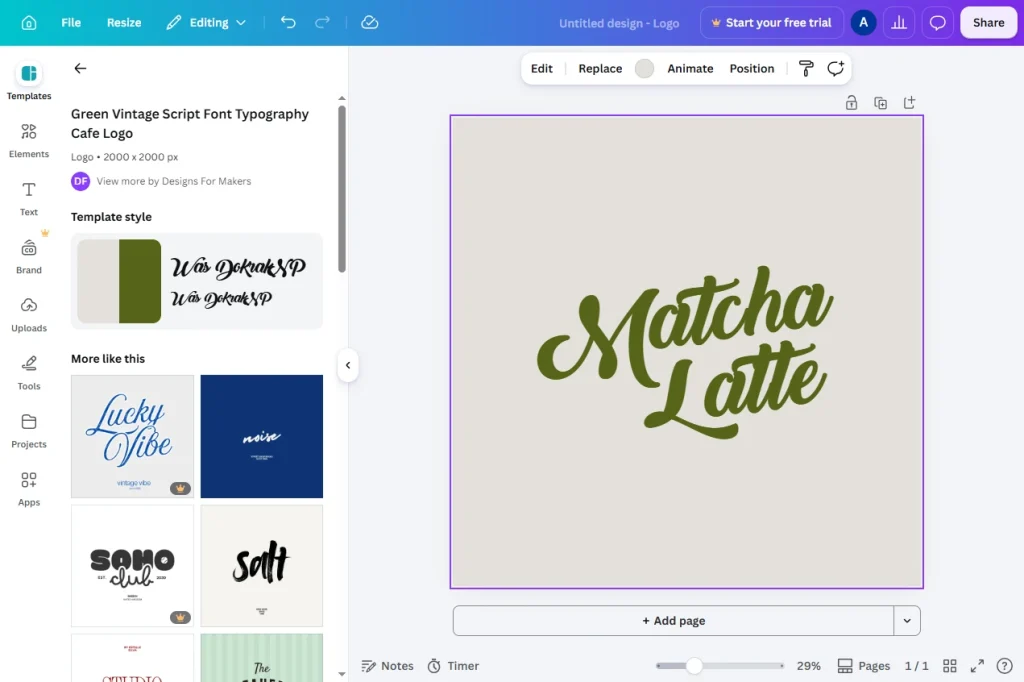
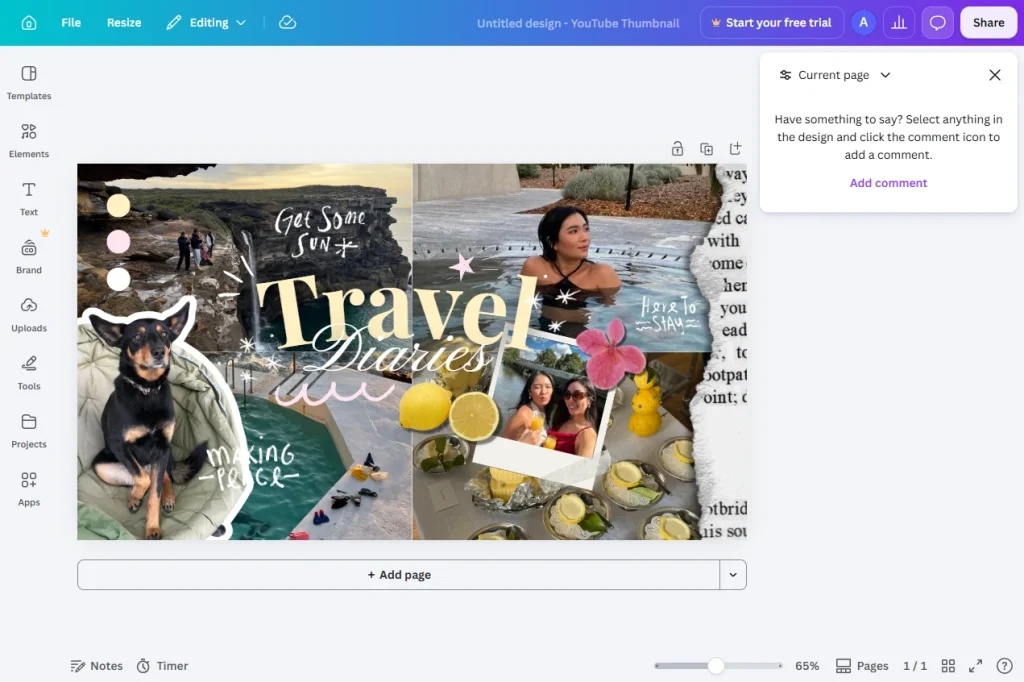
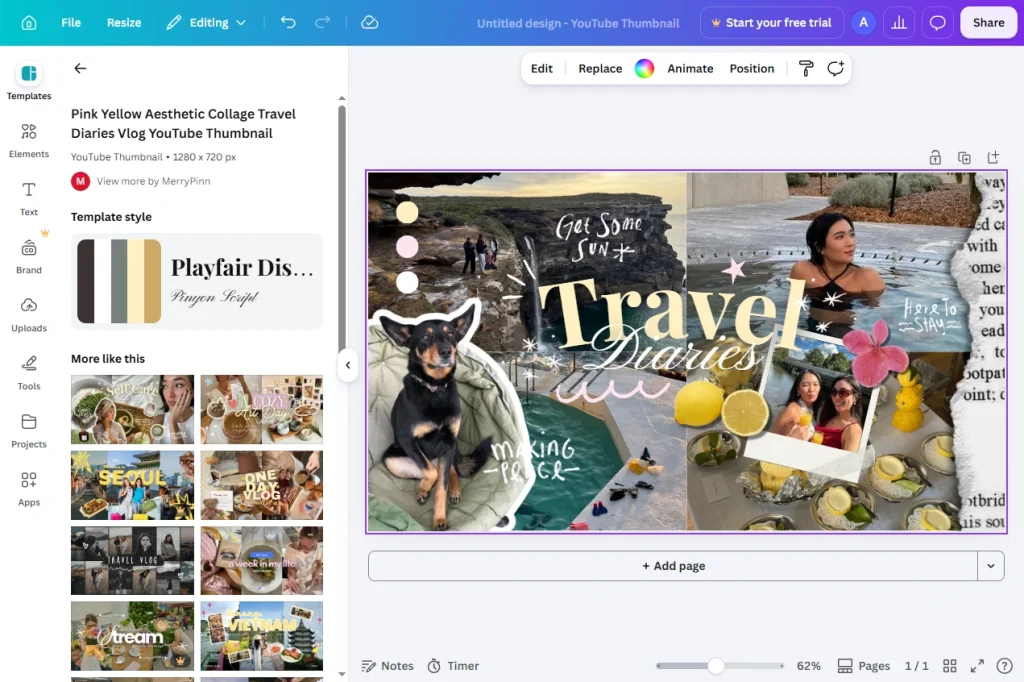
Inspiration
Hergestellt mit Canva
Statische Designs und Bewegungsvorschauen, die in der kostenlosen Version von Canva erstellt wurden – Karussells, Miniaturansichten, Decks, Ausschnitte und Spickzettel, alles bereit zum Remixen in Ihrem Browser.
 Hergestellt mit Canva
 Instagram-Karussell-Set
Hergestellt mit Canva
YouTube-Thumbnail-Serie
 Hergestellt mit Canva
 Marken- und Logo-Verschluss
 Hergestellt mit Canva
 Pitch-Deck für Investoren
 Hergestellt mit Canva
 Veranstaltungsplakat
 Hergestellt mit Canva
 Minimaler Lebenslauf
 Hergestellt mit Canva
 Werbeflyer
 Hergestellt mit Canva
 Buchcover-Design
Erfahrungsberichte
Was Makivoa-Benutzer sagen
Echtes Feedback von Entwicklern, die sich bei der täglichen Designarbeit auf die kostenlosen Browser-Tools und Anleitungen von Makivoa verlassen.
★★★★★
„Der Hintergrundentferner von Makivoa läuft vollständig in meinem Browser – ich muss nirgendwo Kundenproduktfotos hochladen. Schnell, privat und das PNG wird sauber ausgegeben.“
★★★★★
„Die Voreinstellungen für Seitenverhältnisse und das Kopieren der Dimensionen mit einem Klick sind zu einem Teil meines täglichen Arbeitsablaufs geworden – schneller als das Wechseln zwischen Apps für jede Plattformgröße.“
★★★★★
„Klare, sachliche Anleitungen, die erklären, was jedes Tool tatsächlich macht und wann man danach greifen würde. Makivoa ist die erste Registerkarte, die ich öffne, wenn ich mit einem neuen Design beginne.“
Klare Antworten · Creator-Wissensdatenbank
Häufig gestellte Fragen
Alles, was Sie über kommerzielle Lizenzen, die Unterschiede zwischen der kostenlosen und der Pro-Stufe von Canva, Druckeinstellungen und die Mission von Makivoa wissen müssen.
Q1 Kann ich in der kostenlosen Version von Canva erstellte Designs legal für kommerzielle Projekte und Kundenverkäufe verwenden?
Ja. Gemäß der Standard-Inhaltslizenzvereinbarung von Canva können zusammengesetzte Grafiken, die mit als „Kostenlos“ gekennzeichneten Elementen (z. B. Social-Media-Anzeigen, Marketing-Flyer, YouTube-Cover, Merchandise-Grafiken) erstellt wurden, für kommerzielle Werbe- und Geschäftszwecke verwendet werden. Allerdings Sie Eine unveränderte Stockgrafik oder ein eigenständiges Vorlagenelement kann nicht als Marke oder Logo registriert werdenSie können die Rohdateien auch nicht unabhängig weiterverkaufen.
Q2 Was sind die tatsächlichen Unterschiede zwischen der kostenlosen Version von Canva und Canva Pro?
Canva Pro bietet KI-Hintergrundentfernung mit einem Klick, Magic Switch (automatische Größenänderung in mehreren Größen), über 100 Millionen Premium-Medienressourcen, Marken-Toolkits und 1 TB Cloud-Speicher. Unsere kostenlosen Web-Dienstprogramme auf Makivoa (wie das AI Cutout-Tool und der Aspect Ratio Calculator) helfen kostenlosen Benutzern, die gleichen Ergebnisse direkt im Browser zu erzielen.
Q3 Warum sehen meine gedruckten Canva-Flyer beim Drucken verschwommen oder abgeschnitten aus?
Standardmäßig arbeiten digitale Leinwände mit 72 oder 96 DPI. Professionelle Akzidenzdruckereien benötigen 300 DPI und ein Extra 0,125 Zoll (3 mm) Entlüftungszone auf allen vier Seiten, damit beim maschinellen Beschneiden keine versehentlich weißen Ränder entstehen. Nutzen Sie unsere interaktiven Tools, um die genaue Leinwandgröße in Pixeln zu bestimmen, bevor Sie mit dem Layout beginnen.
Q4 Ist Makivoa offiziell mit Canva verbunden?
Nein. Makivoa ist ein völlig unabhängiger Community-Ressourcen-Hub. Wir sind nicht im Besitz von Canva Pty Ltd, sind nicht mit Canva Pty Ltd verbunden und werden auch nicht von Canva Pty Ltd. unterstützt. Alle Warenzeichen und Markennamen gehören ihren jeweiligen Eigentümern. Wir bieten kostenlose Browser-Tools, kuratierte offene Vorlagen und immer aktuelle Bildungs-Tutorials für die Creator-Community.